Coast Creative
Null MacOS Widgets
Null MacOS Widgets
Couldn't load pickup availability
Minimal dot-matrix desktop widgets: 53 designs, one look, themed in one click
Most widgets look like they came from six different apps. Null's don't. All 53 of them share one design language — dot-matrix numerals, mono captions, a single accent color — so your desktop looks designed, not assembled.
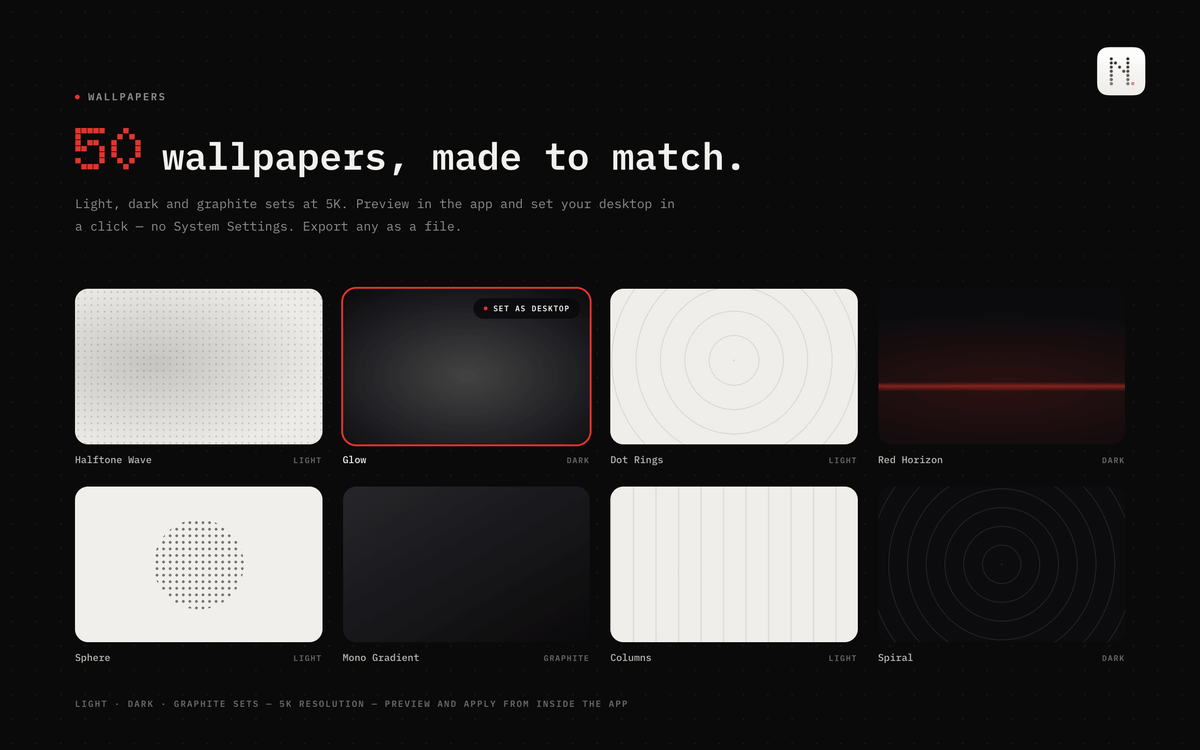
Null is the gallery: browse live previews of every widget, pick your accent color and typefaces, and apply the look to every widget on your desktop with one click. Solid, glass, or accent-filled backgrounds. Light and dark, matched to your system. It also ships with 50 wallpapers made for the same aesthetic — preview them in the app and set one as your desktop without ever opening System Settings.
The widgets do real work, too. Tap a reminder to check it off. Tap the focus timer to start a session and watch it count down live on your wallpaper. Skip tracks from the Apple Music remote — the play button responds the moment you press it. Log a glass of water. Follow three stocks. Check sunrise, moon phase, air quality, CPU load, or how much of the year is already gone — 12 categories in all, with the fast-moving stats refreshed as often as every 30 seconds.
Null lives quietly in your menu bar: close the window and it steps out of the Dock while every widget keeps working.
Everything runs on your Mac. No account, and no data leaving your machine.
Highlights:
• 53 widgets across 12 categories, all in the same dot-matrix style, in small, medium, and large sizes
• One click restyles every widget already on your desktop
• Accent colors: Nothing Red, blue, orange, purple, green, or any custom color
• Numeral styles: Dot Matrix, Mono, or system SF Pro; solid, glass, or accent-filled backgrounds
• 50 matching 5K wallpapers in light, dark, and graphite sets — apply from inside the app, or export any as a file
• Interactive: complete reminders, log water and habits, control Apple Music, start timers — right on the desktop
• Live where it counts: ticking focus timer and stopwatch, minute-fresh system stats, a daylight arc that tracks the real sun
• 12/24-hour time and °F/°C follow your system, or set them per widget
• Widgets stay readable when macOS dims the desktop
• Native with the macOS 26 look, Liquid Glass included; universal for Apple Silicon and Intel
A note on permissions: Null only asks for access when a widget needs it — Reminders and Calendar for the agenda widgets, location for local weather, Music for the remote, and Mail (off by default) for the inbox count. Everything keeps working without them; unconnected widgets simply show sample data.
Requires macOS 26 or later. Universal for Apple Silicon and Intel.
Share